
Headshotsly

    Headshot Dimensions Made Simple

    Start with one large photo and save the right size for each site.

    Example

    Event selfie, LinkedIn headshot

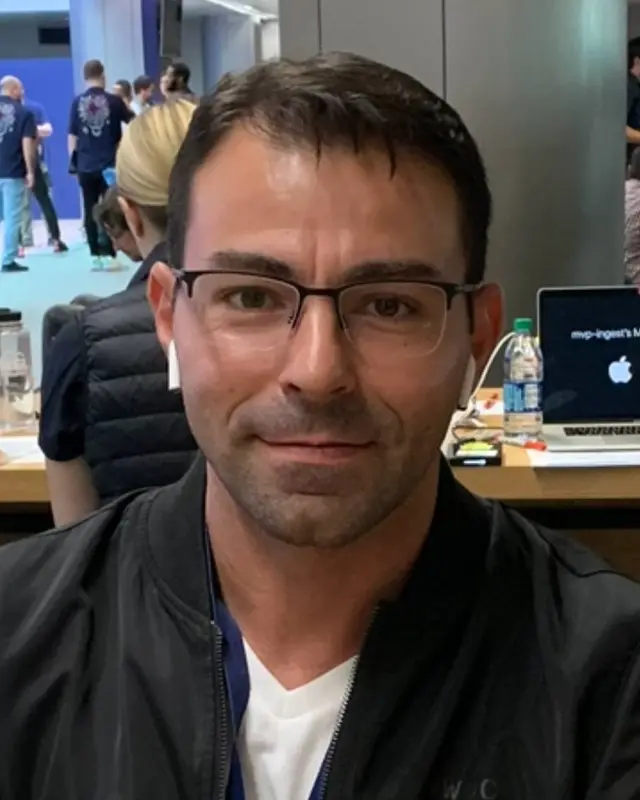
    A selfie taken at a busy event, with a blazer and gray studio picked.

    Result: A clean LinkedIn headshot. Same face and glasses.

    Original selfie: a man with glasses at a busy eventBefore
    AI example made from that selfie: the same man in a charcoal blazer on a gray backgroundExample

    A good photo can still look bad if the size is wrong.

    Different sites crop differently, so size and framing matter.

    Start with one large headshot, then save the right version for each use.

    More Before/After Examples

    Examples made with Headshotsly. Each example was made from the photo next to it.

    Yellow blazer photo, city street headshot

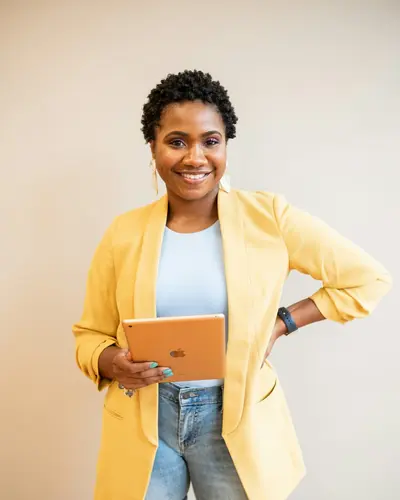
    A photo in a yellow blazer holding a tablet, with a navy suit and golden evening light picked.

    Original photo: a woman in a yellow blazer holding a tabletBefore
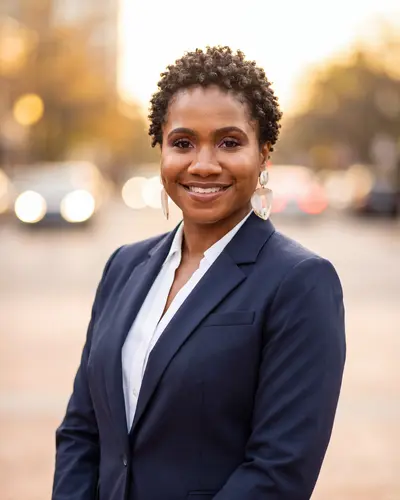
    AI example made from that photo: the same woman in a navy blazer on a city street at sunsetExample

    Result: A headshot in a navy jacket on a street in evening light. Same face and smile.

    Sweater photo, suit and tie headshot

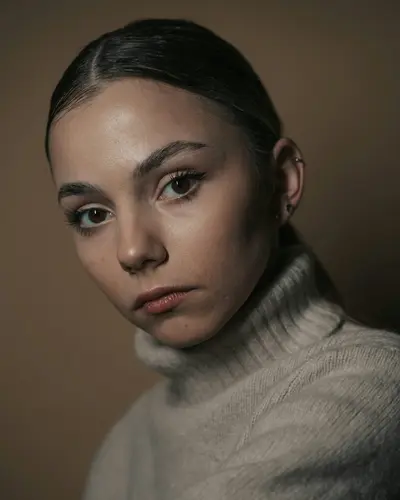
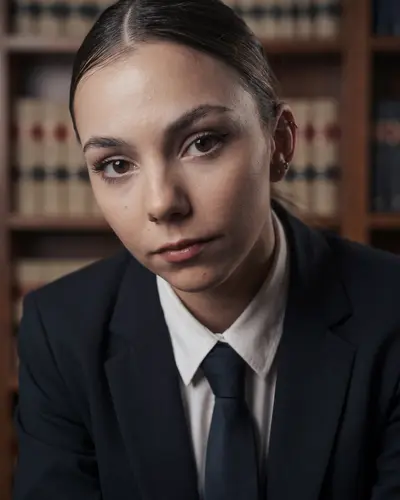
    A photo in a sweater with her hair tied back, with a dark suit, tie and law library picked.

    Original photo: a young woman with her hair tied back in a sweaterBefore
    AI example made from that photo: the same woman in a suit and tie in front of law booksExample

    Result: A headshot in a suit and tie in front of law books. Same face and hair.

    Plaid shirt photo, navy suit headshot

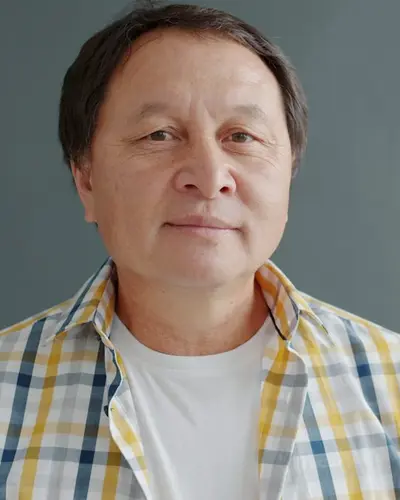
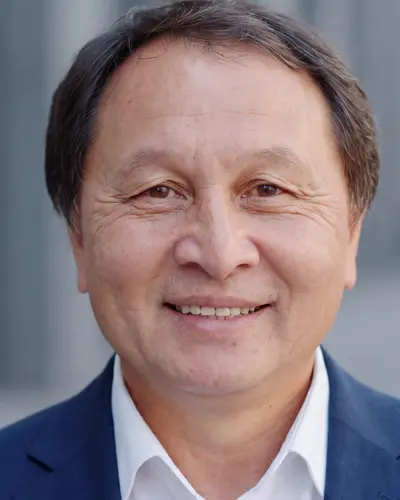
    A photo in a plaid shirt, with a navy suit and a city background picked.

    Original photo: an older man in a plaid shirtBefore
    AI example made from that photo: the same man in a navy suit against a blurred backgroundExample

    Result: A headshot in a navy suit, city blurred behind. Same face and smile.

    Common headshot dimensions

    Most sites show a square or a slightly tall photo.

    If you keep the face centered, one large photo can cover most uses.

    • LinkedIn: a square photo, at least 400 x 400 pixels (LinkedIn's help page)
    • Website team cards: often square or slightly tall
    • Resume: a small square or round crop

    Keep extra space around the head

    Tight crops can break on different sites.

    Leave a little space above the head and around the shoulders.

    Save more than one version

    Keep one full-size photo and save smaller copies for each site.

    This keeps the photo sharp and avoids blurry uploads.

    Headshotsly photos download in 4K. The gallery's Crop button also saves a square for LinkedIn (1200 x 1200) or Slack (1024 x 1024).

    Frequently Asked Questions

    Clear answers before you get started.

    Use the Right Headshot Size

    Make one clean headshot in 4K, then crop it for every site you use.