


Headshotsly

    Matching Headshots for Your Dental Practice

    Keep dentist and team photos in one style on your website, your listings and your emails.

    Example

    Blue backdrop photo, navy scrubs headshot

    A photo in a gray sweater on a blue background, with navy scrubs and a teal background picked.

    Result: A headshot in navy scrubs on a teal background. Same face.

    Original photo: a man in a gray sweater on a blue backgroundBefore
    AI example made from that photo: the same man in navy scrubs on a teal backgroundExample

    It is easy for a dental office to end up with photos from different years, phones and photographers.

    Matching dental practice headshots make your team page and listings look cared for.

    Pick one look for dentists and staff, then use it everywhere.

    More Before/After Examples

    Examples made with Headshotsly. Each example was made from the photo next to it.

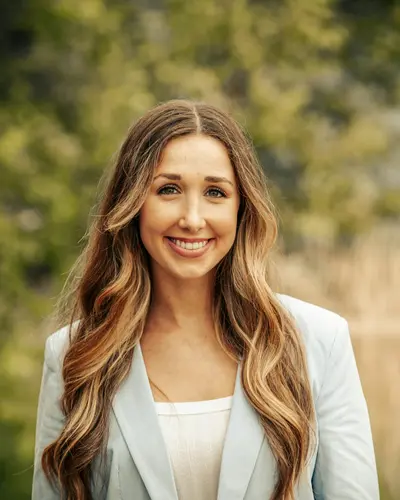
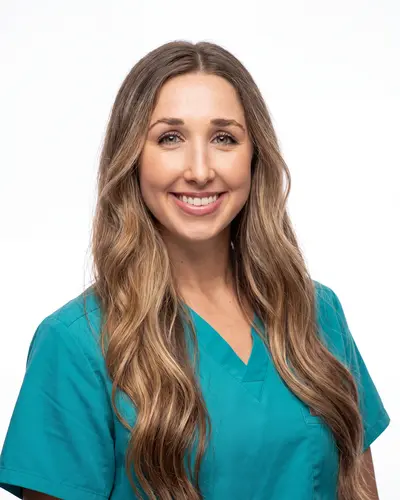
    Outdoor photo, scrubs headshot

    A photo outdoors in a light blazer, with teal scrubs and a white background picked.

    Original photo: a woman with long wavy hair in a light blazer outdoorsBefore
    AI example made from that photo: the same woman in teal scrubs on a white backgroundExample

    Result: A clean headshot in teal scrubs. Same face and hair.

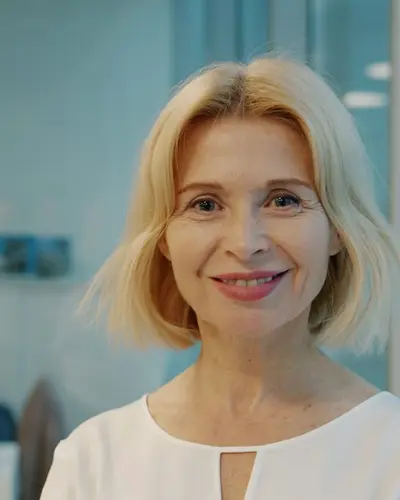
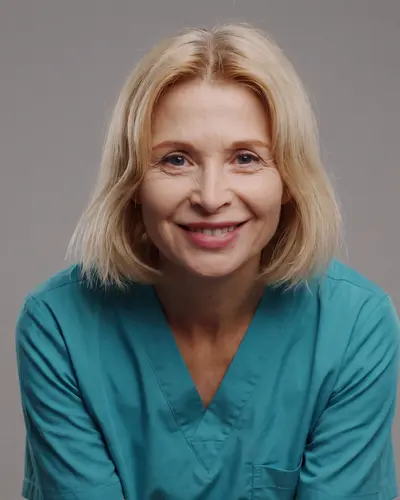
    Office photo, teal scrubs headshot

    A photo in a white top in an office, with teal scrubs and a gray background picked.

    Original photo: a blonde woman in a white top in an officeBefore
    AI example made from that photo: the same woman in teal scrubs on a gray backgroundExample

    Result: A headshot in teal scrubs on a gray background. Same face and hair.

    Home selfie, blue scrubs headshot

    A selfie at home in a gray t-shirt, with scrubs and a teal background picked.

    Original selfie: a man with glasses in a gray t-shirt at homeBefore
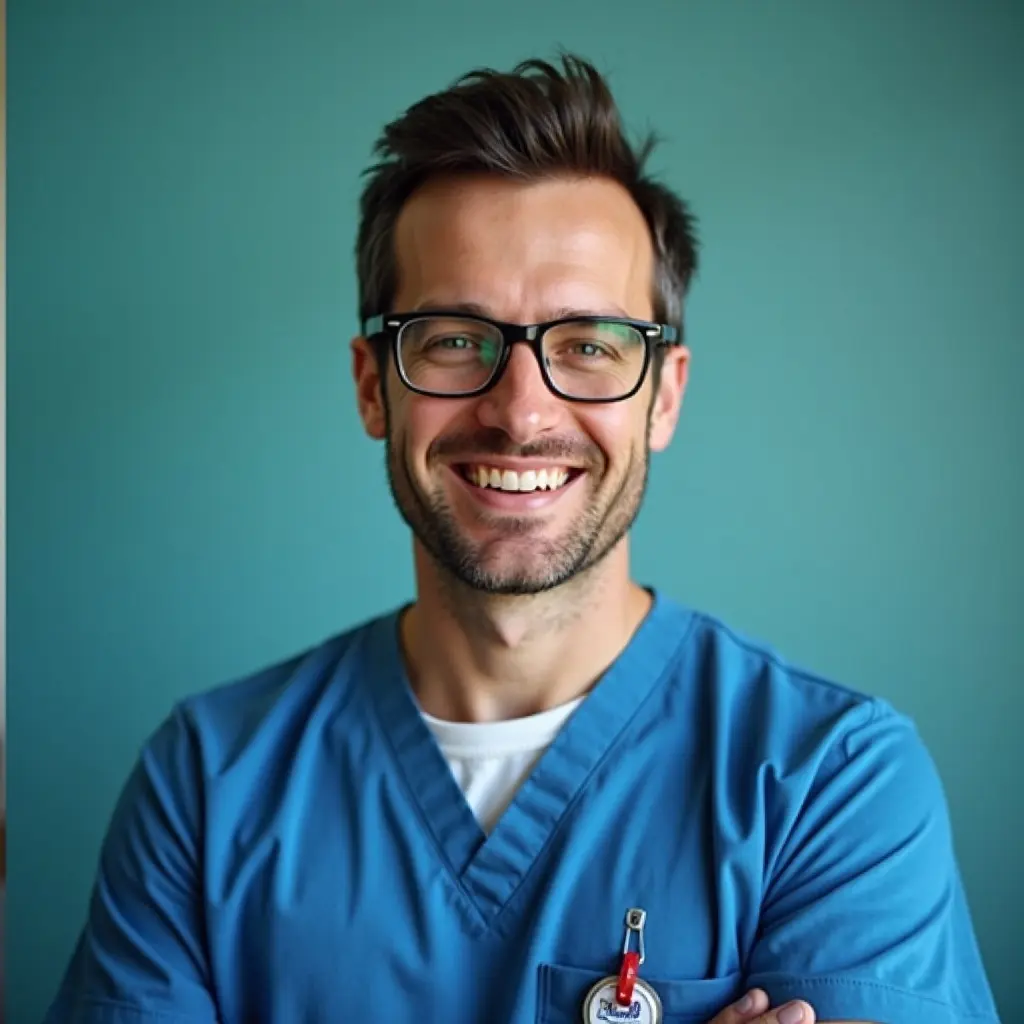
    AI example made from that selfie: the same man in blue scrubs on a teal backgroundExample

    Result: A headshot in blue scrubs on a teal background. Same face and glasses.

    Why matching photos matter

    Your website and listings are often where people see your team first.

    Clean, matching headshots make dentist bios and treatment pages look cared for.

    • A clear, friendly expression
    • The same framing for every dentist
    • One style for dentists, hygienists and office staff

    Updating more than one office

    Pick one look first and try it on a few people.

    Then make everyone else's photos in that look, so all offices match. To invite staff by email, start a team in your account and add each person. Each person needs one pack: $4.99 for 5 photos, paid once.

    • Start with one office
    • Agree on one look
    • Then update the other offices

    Use the same photos everywhere

    The same dental headshots work on your website, directory listings, ads and job posts.

    People then see the same face wherever they find your team.

    Frequently Asked Questions

    Clear answers before you get started.

    Give Your Dental Team One Look

    Make matching photos of your dentists and staff for every page patients see.